More and more companies choose colocation to make their IT setup safer and more efficient. Colocation frees a business from the cost of building and running its own data center. It also brings easy scaling and excellent physical security. When you lease space in a colocation data center, you get quality infrastructure, security, and reliable power. The provider maintains all of it. The benefits of colocation are clear, but one thing is less obvious. How do you manage colocated hardware in a data center that someone else runs?
You have several options, depending on your case. Rest assured, each one lets you keep control of your equipment and still enjoy the benefits of colocation.
Let’s explore the paths you can take to manage your colocated hardware.
How is Colocation Different From the Public Cloud or an On-Prem Data Center?
Data centers differ from a management point of view, and each type has trade-offs. To see how colocated hardware works, let’s take a quick look at the differences.
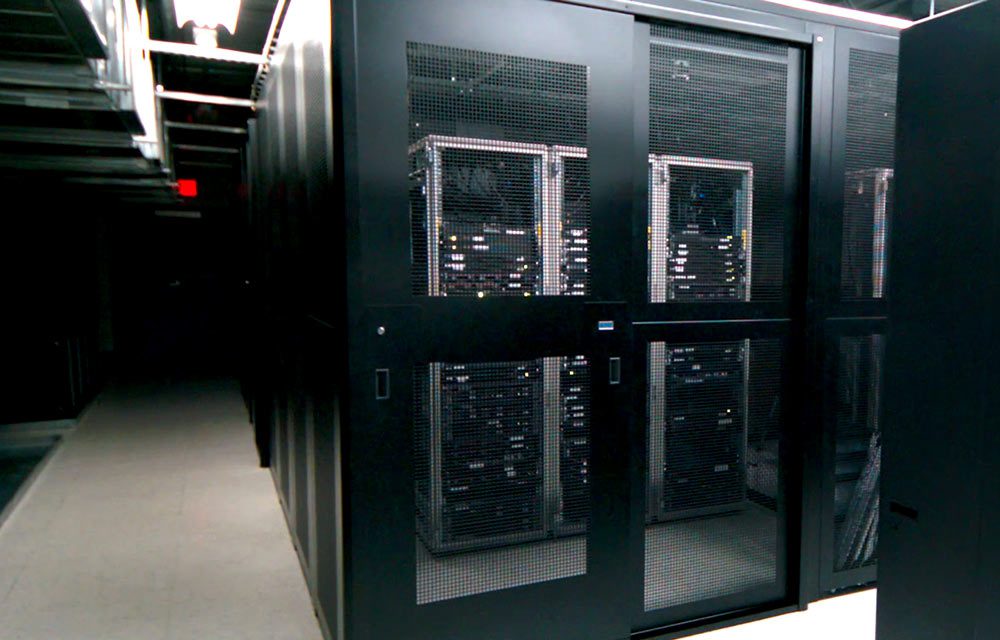
A company builds an on-premises data center to serve its own IT needs. It gives you detailed control over everything. However, it brings more work and demands more resources from your team. A colocation data center is a facility where several companies rent space, connectivity, and other resources. Everyone shares the same strong security and power.
Public cloud data centers work differently. The provider owns the equipment, and its team manages it for you. The public cloud runs on an IaaS basis, so the provider leases everything. You can’t bring your own hardware, because the provider handles it all. Colocation is different from both options. As with an on-prem setup, your hardware is your job. However, another company runs the facility where it lives.
So how do you manage your colocated hardware? How do colocation data centers give you access to your equipment? Can you manage your hardware remotely, or hand the job to someone else? Let’s look at the options.
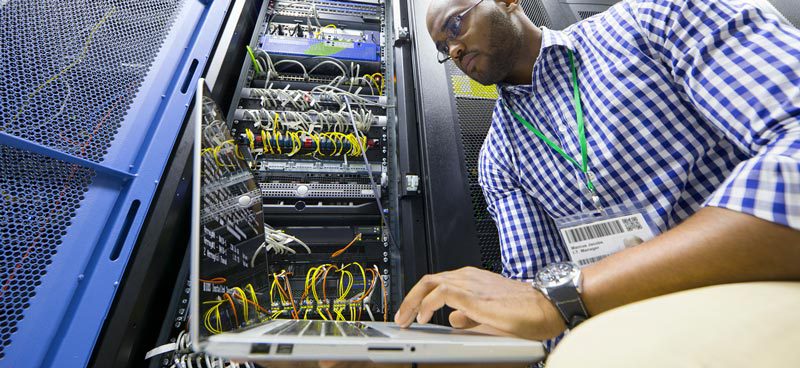
Ways of Maintaining Colocated Hardware
Colocation providers can have different policies, so check them before signing. These are the typical approaches to server maintenance in a colocation facility.
Personally, at the Colocation Data Center
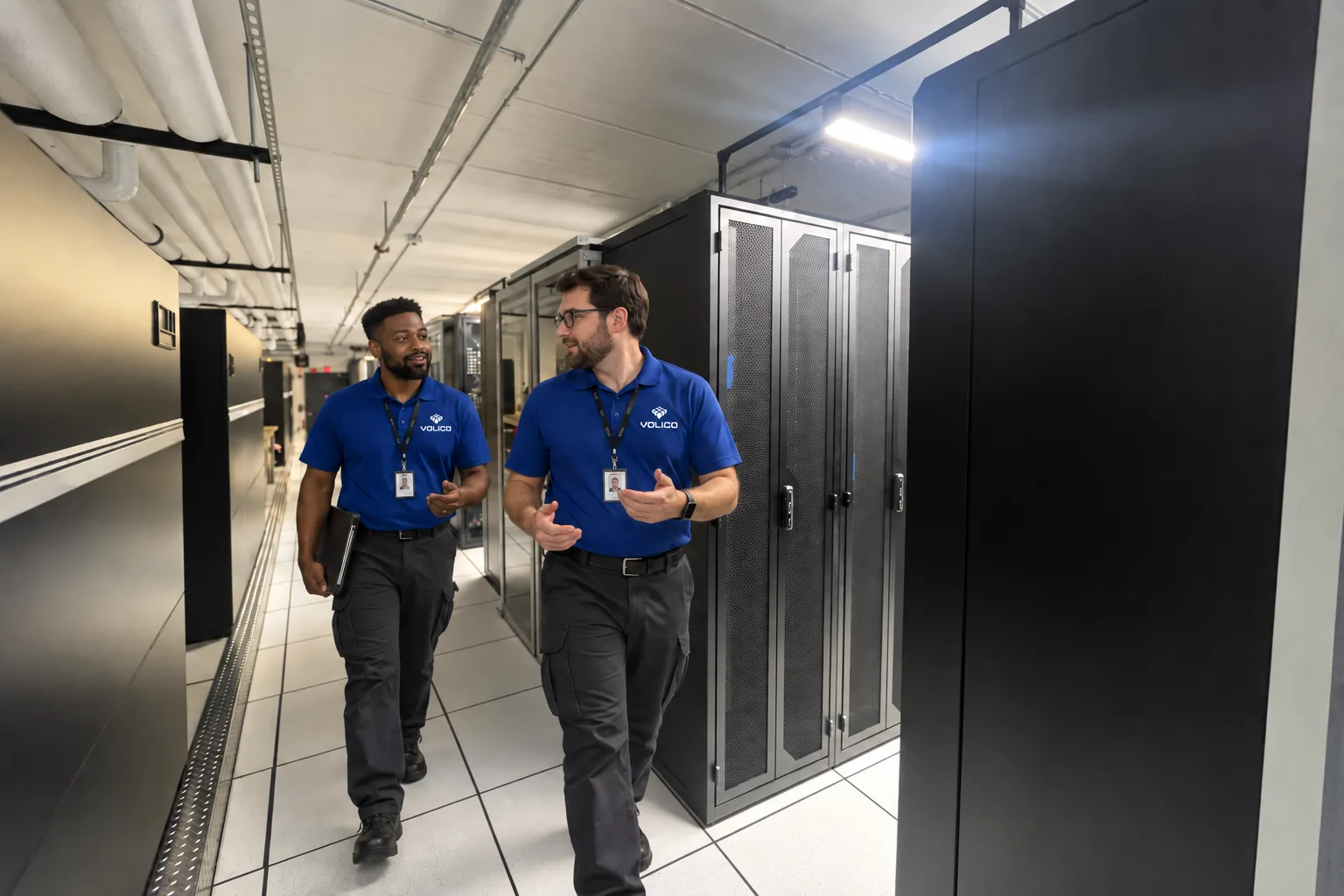
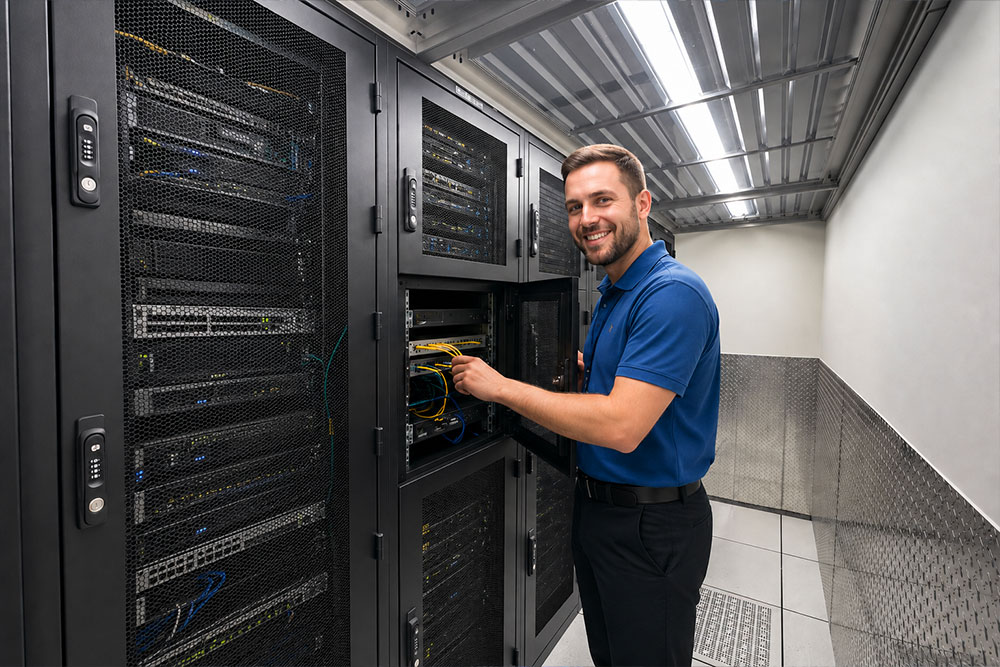
The simplest way to manage colocated hardware is to send someone from your team to the facility. Sending your own employee gives you the most control.
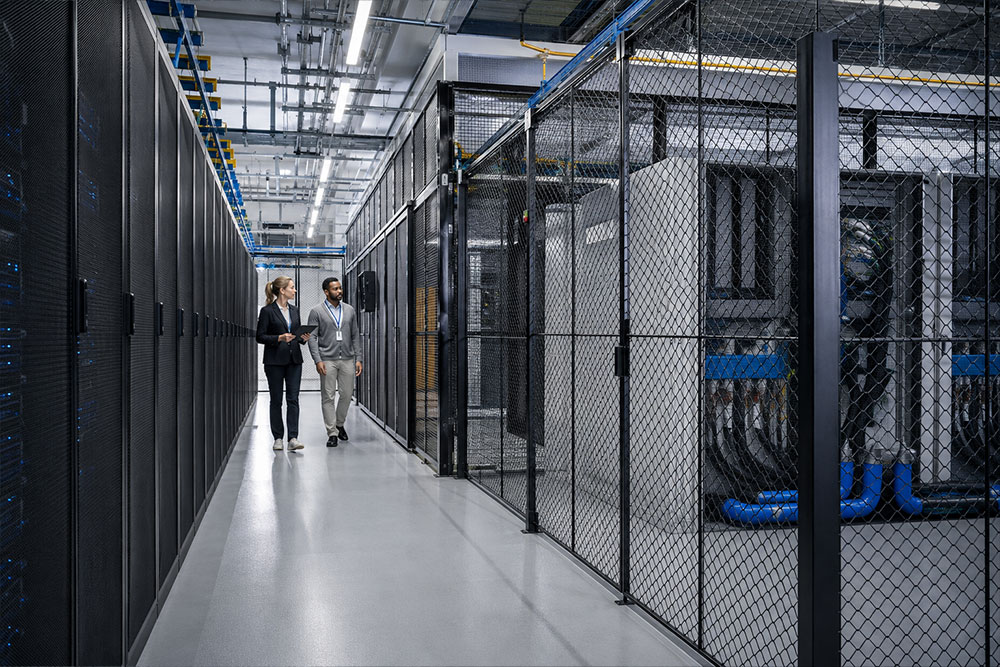
However, colocation providers typically have strict rules for letting people in. There might be limits on when you can come and how long you can stay. These physical security protocols keep intruders away from other companies’ equipment. Depending on where your servers sit, a member of the provider’s team might have to go with you. Ask your provider about these rules.
Distance matters too. If the data center is far away, sending an employee can add travel costs.
Getting Managed Services From Your Colocation Provider
Some colocation providers offer only space for rent. Customers get the data center’s strong security and power, but they handle all upkeep themselves. Other providers offer managed services to different degrees. These let companies hand off the care of their colocated hardware, fully or in part. What managed colocation services include varies by provider. It can range from basic monitoring to handling every step of setup and upkeep. A provider with broad managed services can take on these duties, so your team stays home. If you can’t hand off everything, you might still need to go on-site now and then. Auditing your colocated hardware from time to time is a healthy habit anyway.
Through a Third Party Managed Service Provider
Another approach is to hire a third-party managed service provider (MSP) to manage your hardware. MSPs focus on managing a client’s IT systems remotely. You can keep your infrastructure at a colocation facility and hire a separate MSP to maintain your colocated hardware. This can be a good option when sending your own staff would cost too much. Some MSPs also charge less than the colocation provider for the same services.
To keep things smooth, talk with your colocation provider and your MSP. Agree on how the MSP will get into the facility to do the work.
Manage Your Colocated Hardware Remotely
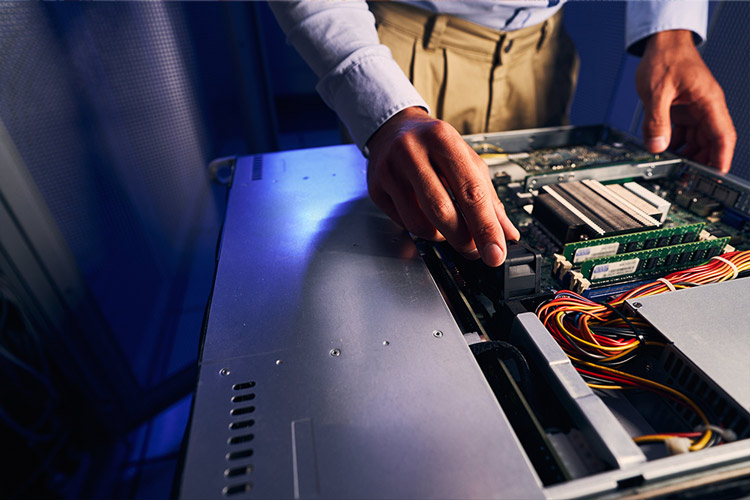
You can manage colocated hardware remotely too, although you can’t replace parts that way. Remote work is a good fit for anything tied to the operating system or software. It needs a network connection, such as the internet. Some providers offer ways to reach the hardware without a network, but you generally need one.

Find the Best Management Solution for Your Colocated Hardware
The best way to manage your colocated hardware keeps your operations running smoothly. Start with your company’s needs, then weigh the options. To decide well, find out whether your colocation provider offers managed services. Or consider whether you want to hand the work to someone else. The right solution can enhance the reliability of your infrastructure and give you peace of mind. Keep reviewing your practices so they still fit your needs. That helps you get the most out of colocation.
If you want to learn more about your options for managing your colocated hardware, contact Volico Data Centers. Call (305) 735-8098 or leave us a message in chat to learn about our facilities and managed services. Or schedule a tour to look around in person.