When a primary system goes offline, the first question is rarely about hardware. It is about data: how much of it survived, how current it is, and how fast it can be put back to work. Data replication for disaster recovery answers that question ahead of time. It keeps a synchronized copy of critical information in a second location, so the business can keep running when the first one fails.
Outages come from more places than most teams plan for. Power failures, storage faults, ransomware, human error, and regional events like hurricanes all take systems down, and a nightly backup alone often leaves hours of work unprotected. Replication closes that gap by copying changes continuously or on a short schedule.
This guide explains what replication is, how it differs from backup, and which methods fit which workloads. You will also see how recovery targets shape the design, which best practices hold up under pressure, and where replication projects tend to go wrong.
In This Article:
- What Is Data Replication for Disaster Recovery?
- Replication Versus Backup: What Each One Does
- Types of Data Replication
- How RPO and RTO Shape Your Replication Design
- Data Replication for Disaster Recovery Best Practices
- Common Replication Challenges and How to Handle Them
- Replicating Across On-Premises, Colocation, and Cloud Environments
- Choosing a Replication Strategy: A Practical Comparison
What Is Data Replication for Disaster Recovery?
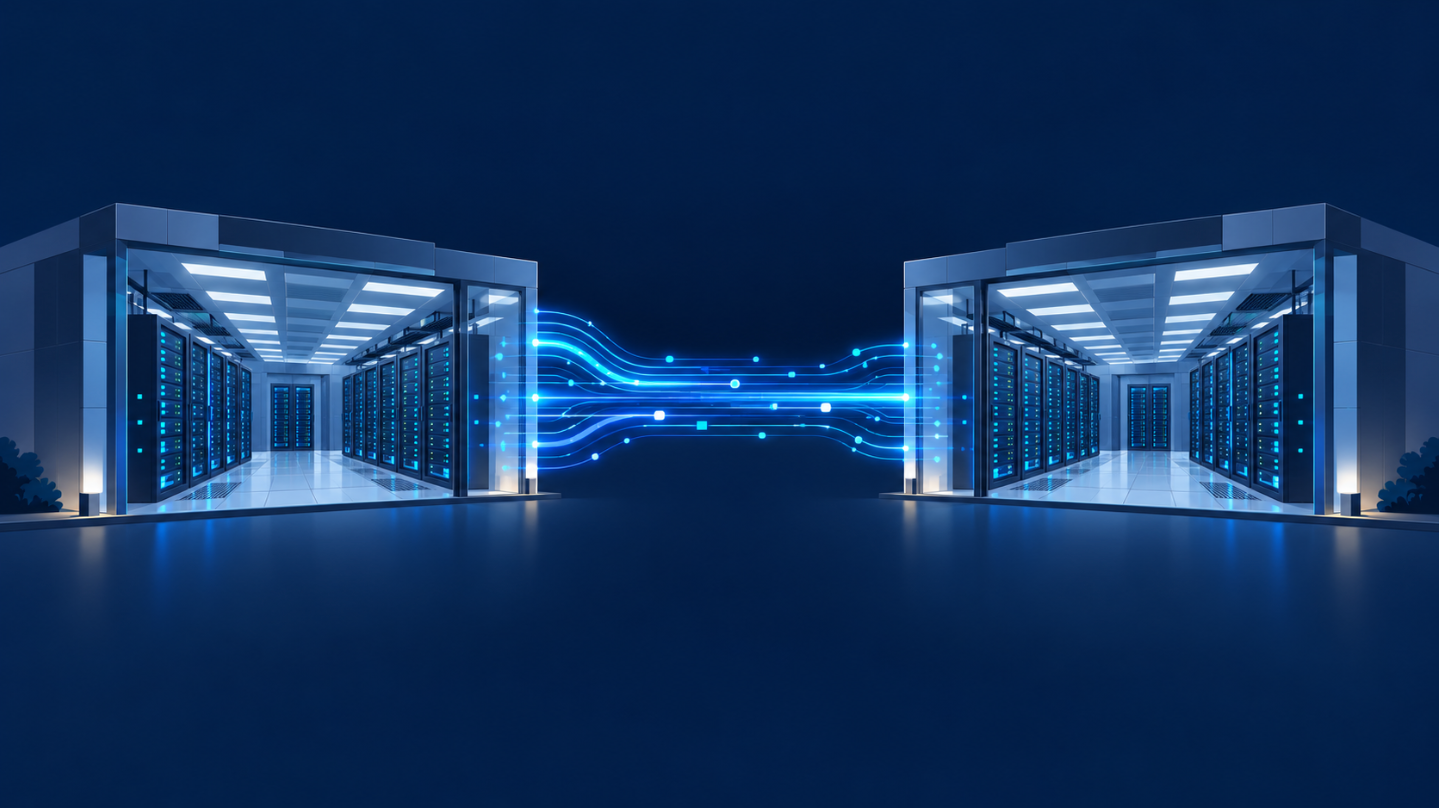
Data replication is the process of copying data from a primary system to one or more secondary systems and keeping those copies in step. In a disaster recovery plan, the secondary system sits in a different facility, so a fire, flood, or power loss at the main site does not affect it.
Why Replication Belongs in Every Recovery Plan
A recovery plan is only as good as the data it can restore. Replicated copies let a business fail over to a working environment in minutes or hours instead of rebuilding from scratch. They also cut the amount of recent work you lose, which matters most for systems that change by the minute, such as orders, patient records, and financial transactions.
What Gets Replicated
Teams can replicate databases, virtual machines, entire storage volumes, or individual files. The right scope depends on the workload. A customer database may need near-continuous replication, while an internal file share can tolerate a slower schedule.
Replication Versus Backup: What Each One Does
Replication and backup are often mentioned together, but they solve different problems. Backup creates point-in-time copies you can restore from later. Replication keeps a live or near-live duplicate ready to take over. Our breakdown of the pros and cons of backup vs replication goes deeper, but the short version is below.
Where Replication Wins
Replication shortens recovery time. Because the secondary copy is already current and often already running, failover can happen quickly. It also keeps data loss small, since changes arrive at the second site within seconds or minutes.
Where Backup Still Matters
Replication copies mistakes as faithfully as it copies good data. If someone deletes a table or ransomware encrypts a volume, the replica can inherit the damage. Backups with several retention points let you roll back to a clean state, so most mature plans use both.
Types of Data Replication
Replication methods differ in timing and in the layer where copying happens. Choosing between them is mostly a trade between data protection, cost, and performance.
Synchronous Replication
A write is confirmed only after both the primary and secondary systems have stored it. This approach produces zero or near-zero data loss, but every write waits on the remote site. Distance and network latency directly affect application speed, so synchronous replication usually works best between sites that are close together.
Asynchronous Replication
The primary confirms the write right away and sends changes to the secondary afterward. Applications stay fast and the sites can be far apart, but the secondary may lag behind by seconds or minutes. That lag is the data you could lose in a failure.
Near-Synchronous Replication
This middle option batches changes over very short intervals. It keeps the lag small without forcing every write to wait, and it suits workloads that need tight protection but cannot absorb the latency of fully synchronous copying.
Block-Level and File-Level Replication
Block-level replication copies changed storage blocks and works below the file system, which makes it efficient for large databases and virtual machines. File-level replication copies whole files or folders and is simpler to manage for shared documents. For background on the storage side, see this explainer on object storage vs block storage.
How RPO and RTO Shape Your Replication Design
Two numbers drive almost every replication decision. The recovery point objective (RPO) is how much data, measured in time, the business can afford to lose. The recovery time objective (RTO) is how long a system can stay down before the damage becomes unacceptable.
Setting Targets by Workload
Not every system deserves the same target. A payment platform might need an RPO of near zero and an RTO measured in minutes. A reporting tool might be fine with an RPO of several hours. Sorting applications into tiers keeps the budget focused on the systems that truly cannot go down.
Matching Method to Target
Tight RPOs point toward synchronous or near-synchronous replication. Looser RPOs allow asynchronous copying, which costs less and puts less strain on the network. RTO depends on more than data, so it also reflects how quickly servers, networking, and applications can start at the recovery site.
Data Replication for Disaster Recovery Best Practices
A few habits separate replication setups that work during a real incident from those that only look good on a diagram.
Map Application Dependencies First
Applications rarely stand alone. A web front end may depend on a database, an authentication service, and a file store. Replicate the whole chain and document the order in which it must start, or failover will stall on a missing piece.
Test Failover on a Schedule
An untested plan is a guess. Run failover exercises regularly, record how long each step actually takes, and compare the result to your RTO. Each test usually turns up something small, like an expired credential or an unreplicated configuration file, that would have hurt during a real event. The NIST Contingency Planning Guide for Federal Information Systems is a useful reference for building and testing these exercises.
Protect the Replica Itself
The secondary site needs the same access controls, encryption, and monitoring as production. Encrypt data in transit and at rest, and keep immutable or versioned backups alongside replication so a corrupted or encrypted source cannot overwrite every good copy.
Separate Sites by Real Distance and Risk
Two racks in the same building do not protect against a building-wide failure. Place the secondary in a different facility with independent power and network paths, and consider regional risks such as storms when choosing how far apart to go.
Common Replication Challenges and How to Handle Them
Even a well-designed setup runs into predictable problems. Knowing them in advance makes them easier to avoid.
Bandwidth and Network Strain
Large change rates can saturate the link between sites and slow down production traffic. Use compression, throttling during business hours, and a link sized for peak change volume rather than the average.
Replication Lag
Asynchronous replicas fall behind when the network is congested or the source is busy. Monitor lag continuously and alert when it exceeds your RPO, so a quiet drift does not become a surprise at recovery time.
Data Consistency
Applications that write to several volumes need those volumes to be copied at the same moment. Consistency groups keep related data in step, so the recovered system starts from a coherent state instead of a mismatched one.
Cost and Complexity
Duplicate infrastructure is not free. Tiering workloads, using shared recovery environments, and considering managed options such as disaster recovery as a service can bring the cost closer to what the business actually needs.
Replicating Across On-Premises, Colocation, and Cloud Environments
Few organizations run in a single place anymore, and replication has to follow the workload wherever it lives.
On-Premises to Colocation
A common pattern is to keep production in an office or private data room and replicate to a colocation facility. The secondary then sits on professionally managed power, cooling, and connectivity, which is hard to match in a server closet. Our overview of data center disaster recovery strategies covers how these designs support business continuity.
Hybrid and Multi-Cloud Setups
Some teams replicate from private infrastructure into a public cloud, or between clouds. This offers flexibility, but egress fees, differing storage formats, and mismatched tooling can complicate recovery. Plan for how data and compute will be restored, and whether the target platform suits the workload, including choices like bare metal or virtual machines.
Why Location Matters in South Florida
For businesses in Miami and Broward, hurricane season is a planning input, not an edge case. A replication target should sit in a facility built for regional weather risks and equipped with redundant power and network paths. Ideally it is far enough from the primary to avoid a shared failure.
Choosing a Replication Strategy: A Practical Comparison
No single method fits every system. The table below summarizes how the main options compare so you can match each workload to a sensible starting point.
| Method | Typical data loss | Performance impact | Distance suitability | Best for |
|---|---|---|---|---|
| Synchronous | Near zero | Higher, writes wait on the remote site | Shorter distances | Transaction systems, core databases |
| Near-synchronous | Seconds | Moderate | Medium distances | Important apps with tight RPOs |
| Asynchronous | Seconds to minutes or more | Low | Long distances | General workloads, remote sites |
| Backup (for comparison) | Since last backup | Low | Any | Rollback, long-term retention |
A Simple Selection Process
Start by listing your applications and assigning each an RPO and RTO. Pick the least expensive method that meets those targets, then test it. If failover takes longer than expected or lag grows under load, move that workload up a tier. Revisit the list at least once a year, since systems and priorities change.
Conclusion
Data replication for disaster recovery gives a business a current copy of its data in a second location, which turns an outage from a rebuild into a switchover. The right design starts with recovery targets and matches the replication method to each workload. Regular testing, strong security on the secondary site, and backups for mistakes replication cannot undo keep the plan dependable.
Keep in mind that a plan on paper is not a recovery. Check your lag, rehearse your failover, and update the plan whenever applications or priorities change, because the environment you protect never stays still for long.
Where the secondary lives matters as much as how it is configured. Volico Data Centers offers colocation in Miami and Broward, giving you a secure place to host your replication target close to where your business operates. Contact Volico to talk through your recovery goals and see how a colocation-based disaster recovery site can fit your plan.