Whether you outsource server management or handle it in-house, you need visibility into your servers, website, and hosting platforms. Even an hour of downtime can be catastrophic to a business’s bottom line, so this visibility protects business continuity.
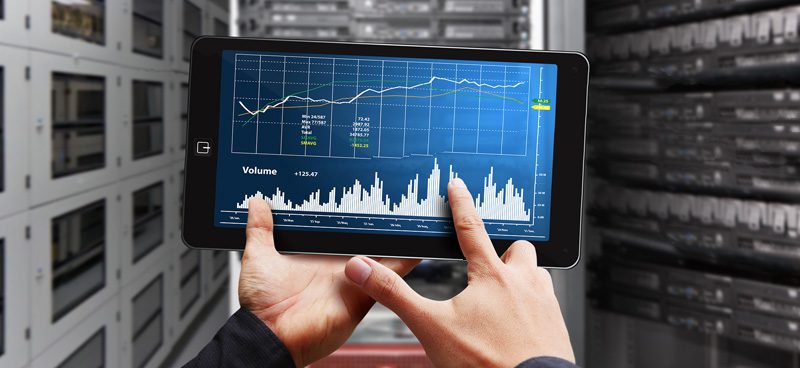
Server monitoring and alert management work like the dashboard in your car. Given the complexity of the systems, processes, and technologies that keep a vehicle running, you can’t properly track its components without an alert system. The dashboard fills that role, since it flags problems before they become breakdowns. IT management works the same way. A number of factors need real-time monitoring. Various technologies handle this automatically, while sending timely alerts at the first sign of trouble. This article covers what to monitor, walks through your options for alert management, and guides you through the process.
What You Need To Monitor
Successful IT monitoring depends on effective, reliable, and prompt alerts. You need to know about critical changes in your server infrastructure as soon as they happen, so how do monitoring tools work? You, or your hosting provider, set the conditions your infrastructure must meet. When those conditions fall short, or come close to failing, the monitoring tool sends an alert.
The Three Primary Metrics To Monitor
- Server and Network Availability: In order to minimize downtime, you need to monitor your servers, websites, and hosting platforms closely. Availability monitoring tools alert you immediately to possible interruptions, so you can resolve issues before customers lose service. These tools also track your server, website, and hosting platform automatically and send alerts at the first sign of trouble.
- Network and Server Performance: Performance monitoring tools record critical service and performance metrics, working much like the dashboard in your car. Examples include input/output bottlenecks, incoming and outgoing traffic, and CPU utilization. You can also prioritize the metrics that matter most and route their alerts to your email, a text message, or another application.
- Critical Activity on The Server: Monitoring what happens on your server is crucial for spotting security, backlog, and downtime risks. Monitoring tools track activity such as log-in and log-out attempts, restarted services, security breaches, and unexpected application terminations. You can store these metrics in logs and access them by email or through internal applications.
These are the basic metrics. As you grow more familiar with the process, you can monitor additional metrics and set up alerts in a customized fashion.
Finding The Best Monitoring Management System For Your Business
There is a host of tools, programs and applications available to businesses. Finding the right server monitoring and alert system depends on a number of factors. The first aspect to consider is the ability and competency of your staff to install and monitor these applications. Technically savvy companies with IT staff can choose from a dozen free alert creation applications, since their own team can install and troubleshoot the programs. Without that technical knowledge, or the time to handle it, a web-hosting provider can take over instead. Most web-hosting providers offer complex monitoring and customizable alert systems for clients. To discuss which would work best for your company, call a local web hosting provider or data center today.
Ready to See How Volico Data Center Can Help You?
Got questions? Want to talk specifics? That’s what we’re here for.
Have one of our friendly experts contact you to begin the conversation. Discover how Volico can help you with your Managed Hosting Services needs.
• Call: (305) 735-8098
• Chat with a member of our team to discuss which solution best fits your needs.