The dedicated server vs bare metal comparison becomes relevant once a workload outgrows what you originally provisioned it for. That’s usually the trigger point.
In practical infrastructure planning, the choice comes down to how you provision the server and how much hardware control the workload needs. It also depends on who will manage the operational details after deployment. The two models overlap more than most comparisons admit. The differences still matter, though, once factors like performance, compliance, billing, or long-term scaling enter the picture.
Dedicated server vs bare metal is a practical hosting decision. The goal here is to make that decision clearer before you commit to a configuration or contract. Let’s unpack.
Understanding Dedicated Servers
A dedicated server is a physical machine leased to one customer, with no other tenant sharing the same box. The client receives the server’s CPU, memory, storage, bandwidth allocation, and administrative access for its own applications. In most hosting arrangements, the provider manages the facility, network, power, and physical hardware. The customer works with the server environment itself. For the broader dedicated server vs bare metal comparison, this is the baseline to understand first.
Here at Volico, dedicated server options are based on ready-to-use configurations that can be adapted around the workload. Customers can choose Linux or Windows servers with included bandwidth and IP addresses. From there, they can add backups, firewall protection, control panel options, or extra bandwidth as needed. These plans also include root access, so technical teams can configure the system around their own application stack.
Dedicated hosting usually follows a fixed monthly contract, which helps make infrastructure costs easier to forecast. Some teams manage the server themselves, while others use provider support for maintenance, monitoring, or security-related tasks.

Understanding Bare Metal Servers
A bare metal server is also a physical, single-tenant server. The term usually refers to a setup with more direct access to the underlying hardware, though. The operating system runs on the server itself, with no hypervisor layer between the workload and the machine’s resources. That makes it easier to allocate CPU cores, memory, storage, and network capacity in a predictable way.
Bare metal is often the choice for demanding workloads. It fits when a standard, ready-made hosting plan can’t comfortably keep up. High-throughput databases, analytics platforms, virtualization hosts, and gaming infrastructure can all benefit from direct hardware access. So can applications with strict latency requirements that need deeper configuration control.
Volico Data Centers offers bare metal dedicated servers built for demanding workloads. They deliver dedicated physical resources, customization, and a stable data center environment. Customers can shape the server around the needs of the application. They still rely on the provider for the facility, network, power, and support layer. In the dedicated server vs bare metal conversation, bare metal isn’t just a label for a more powerful server. It describes a deployment model built around single tenancy, hardware access, and granular control.
Where Misunderstandings Come From
Confusion usually starts because providers do not use these terms in the exact the same way. Dedicated servers and bare metal servers both describe single-tenant physical hardware. What the commercial package around those terms actually includes can vary a lot, though. A provider may use “bare metal” to mean no pre-installed hypervisor and more direct hardware access. Another may use it to describe faster provisioning, cloud-style billing, or a more customizable server build. So, the name alone doesn’t always cover the whole truth. Before comparing offers, look at the actual server details instead: provisioning time, billing model, operating system options, included management, and whether any virtualization layer is part of the setup.
Dedicated Server vs Bare Metal: Key Points of Comparison
Where dedicated servers and bare metal servers overlap is that both are physical, single-tenant machines. The devil is in the details, though: providers can deliver, configure, bill, and manage the server very differently. In dedicated server vs bare metal comparisons, providers often present a dedicated server as a ready hosting product with a standardized setup. They position bare metal more often as infrastructure for workloads that need deeper hardware control, faster provisioning, or cloud-style flexibility. The next points show how that difference plays out in practical terms.
Speed
Speed matters in any dedicated server vs bare metal comparison, but don’t reduce it to a simple “bare metal is always faster” claim.
Both options run on physical, single-tenant hardware, so the real performance gap depends on the configuration. Bare metal can have an advantage here. It suits workloads that need direct hardware access, low latency, or consistent storage and network throughput. Dedicated servers can still perform very well when the CPU, RAM, disk, and bandwidth match the application. In practice, performance depends more on the hardware tier and tuning than on the label itself.
Hardware Customizability and Root Access
Both models can include root access, but the practical level of control is what makes the difference. With a dedicated server, root access usually gives your team administrative control over the operating system and services. That extends to security rules and the application stack too. Bare metal often goes further, allowing deeper hardware customization such as specific storage layouts, RAID configuration, and network interface tuning. Firmware-level settings may be available too, depending on the provider. That extra control matters when the workload has strict technical requirements. If the application only needs a stable physical server with standard resources, a dedicated server may already provide enough flexibility.
Setup and Configuration
Setup is often one of the most provider-dependent parts of the comparison. Providers commonly deliver a dedicated server as a ready hosting environment, with the operating system and basic configuration already in place. That helps teams start faster, especially when they do not want to build the stack from zero. Bare metal server provisioning can also be fast, particularly when the provider has invested in automation, APIs, or preset configurations. The difference is not always “minutes versus days.” It usually reflects how the provider handles server provisioning, testing, imaging, and configuration.
Price and Billing
Dedicated server pricing is usually easier to forecast because it often follows a fixed monthly or annual model. Providers can also bill bare metal monthly, though many offer cloud-style options such as hourly or usage-based billing. That changes the billing and cost structure, but it does not automatically make one model cheaper than the other. The better comparison is between equivalent specifications. Processor class, RAM, storage type, bandwidth, IP allocation, and support level usually drive the final cost. In a dedicated server vs bare metal decision, the label matters less than the actual resources being priced.
At a Glance
A dedicated server vs bare metal comparison is easier to understand when the main factors are placed side by side. The table below summarizes the practical differences, but the exact details can still vary by provider and configuration.
| Comparison Point | Dedicated Server | Bare Metal Server |
| Virtualization | Usually delivered with a pre-installed operating system. Hypervisor support depends on the provider and plan. | Delivered without a pre-installed OS or hypervisor, so you install the environment you need. |
| Hardware Customizability | Usually based on predefined server plans, with optional upgrades or add-ons. | Offers more granular control over hardware-level settings, including RAID, BIOS/UEFI, and network interface configuration. |
| Provisioning Time | Often ready within hours, since the provider prepares the server and base configuration. | Can also be provisioned within hours, although setup may take longer if the customer handles OS, RAID, or stack installation. |
| Root Access | Offers full root access to the operating system and applications. | Provides full root access to the OS, with greater control over hardware settings and firmware-level configuration. |
| Billing | Billed at a fixed monthly or annual rate. | Typically billed monthly as well, though with some providers it can come with hourly or cloud-style billing. |
| Best for | Well-suited for standard business workloads that need dedicated resources and faster deployment. | Best for workloads that require deeper hardware control, custom OS builds, or a specific hypervisor setup. |
Is Bare Metal Server Performance That Much Better?
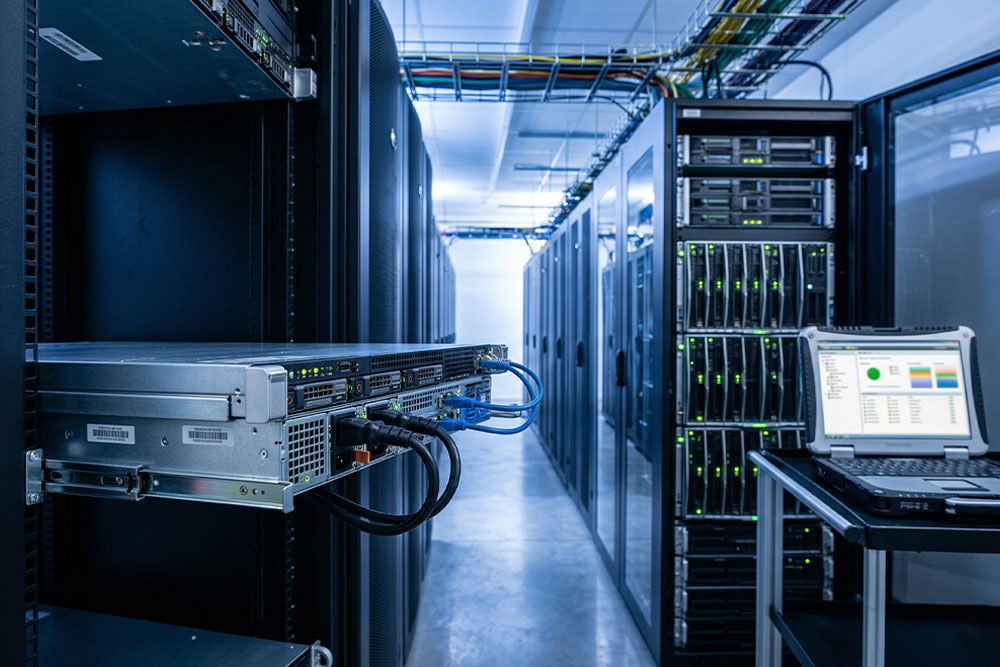
Bare metal servers can deliver better performance, but it is useful to be precise about why. The improvement usually comes from skipping an extra virtualization layer and from how you configure the server, not from the label alone. A bare metal server typically gives the operating system direct access to CPU, memory, storage, and network resources. That can help reduce overhead and make performance more predictable.
In a dedicated server vs bare metal comparison, the most important question isn’t the product name. It’s what’s actually included, not what appears on the order page. It comes down to whether the workload runs directly on the hardware and what hardware is actually included. It also comes down to how much control the team has over the system. Say a dedicated server and a bare metal server both run without a hypervisor, using comparable CPU, RAM, storage, and network capacity. In that case, the performance difference may be small.
Bare metal becomes more meaningful when the workload is sensitive to latency, disk I/O, or consistent throughput. Databases, analytics systems, virtualization hosts, and real-time applications can all benefit here. A cleaner path between the software and the hardware helps all of them. For a basic website or a standard business application, that difference may not be noticeable.
So, bare metal is not automatically much faster in every situation. It performs best when the application can actually take advantage of direct hardware access, tuning options, and predictable resource behavior.
Compliance and Security Aspects
Security and compliance questions often start with isolation. Both dedicated servers and bare metal servers are single-tenant, so no other customer shares the same physical machine. That can make access control, logging, audit preparation, and data placement easier to reason about. It matters most for workloads tied to frameworks such as PCI, HIPAA, or similar internal governance requirements.
In a dedicated server vs bare metal decision, the more important question is control. How much does your team actually need over the environment? A dedicated server may be easier to audit when it arrives with a known operating system and a documented management process. Provider support around backups, monitoring, firewall rules, or DDoS protection helps too. Bare metal becomes more useful when the organization wants to define these details itself: the OS hardening process, kernel settings, storage layout, or network configuration.
Neither model removes the need for good security operations. The secure choice is the one that makes responsibilities clear between the provider and your team.
Dedicated Server vs Bare Metal: Choosing for Specific Use Cases
A good dedicated server vs bare metal decision starts with the workload profile. The terms matter, but the operational requirements matter more. That means how predictable the traffic is, how much control the application needs, and whether the team benefits more from a ready environment or a flexible hardware base.
Workload-by-Workload Breakdown
- E-commerce platforms: Standard storefronts usually fit well on dedicated servers. Most commerce stacks need stable resources, fast deployment, predictable monthly pricing, and dependable network performance. Bare metal may add control the team doesn’t actually need. The exception is when the platform has unusual kernel, storage, or traffic-engineering requirements.
- SaaS applications: For SaaS products with steady usage patterns, a dedicated server can be a practical early-stage infrastructure choice. It gives the team dedicated resources without forcing them into deeper hardware decisions too soon. Bare metal becomes more relevant once the application needs specialized storage, custom virtualization, or more detailed performance tuning.
- Gaming servers: Both models can work for multiplayer hosting, but the deciding point is usually latency control. A dedicated server is often enough for standard game hosting. Bare metal becomes more attractive here in specific cases: a custom OS image, specific network stack tuning, or more predictable packet processing.
- AI and machine learning: AI workloads tend to lean toward bare metal because the infrastructure requirements are more specific. Training and inference can benefit from direct access to GPUs, high-throughput NVMe storage, and memory bandwidth. System-level tuning without unnecessary abstraction helps too.
- Streaming and media platforms: Media workloads depend heavily on bandwidth, storage throughput, and CPU availability. Dedicated servers can support many streaming setups. Bare metal is often the better fit, though, for heavy transcoding, large-scale media processing, or workloads that need consistent dedicated compute cycles.
- Compliance-bound industries: Healthcare, finance, and other regulated sectors can use either model. Dedicated servers may be easier to deploy and document quickly. Bare metal is often preferred here. It gives the compliance team deeper control over OS hardening, kernel policies, storage configuration, and network segmentation.
- Agencies and resellers: agencies managing repeatable client environments often prefer dedicated servers. Standardized setups are easier to replicate and support. Colocation becomes the more appropriate path when the agency already owns physical equipment. At that point, all they need is rack space, power, cooling, and connectivity.
What About VPS?
VPS hosting is worth considering when the workload does not require an entire physical server. A VPS provides allocated CPU, memory, storage, and network resources within a virtualized environment. It usually comes at a lower entry cost than dedicated or bare metal hosting. That balance of cost and flexibility can make sense for development environments, staging systems, and internal tools. It also works for small to mid-traffic websites and early application deployments.
The limitation is the level of control, of course. A VPS still runs on shared physical infrastructure through a hypervisor. That means the customer doesn’t control the full server, firmware, storage layout, or underlying network configuration. In a dedicated server vs bare metal comparison, VPS hosting is usually the step below both options. Moving from VPS to a dedicated server is often the practical next step. That’s true once traffic becomes more predictable, resource consumption grows, or the application needs stronger isolation and more consistent performance.
Tailoring the Server Choice to the Workload
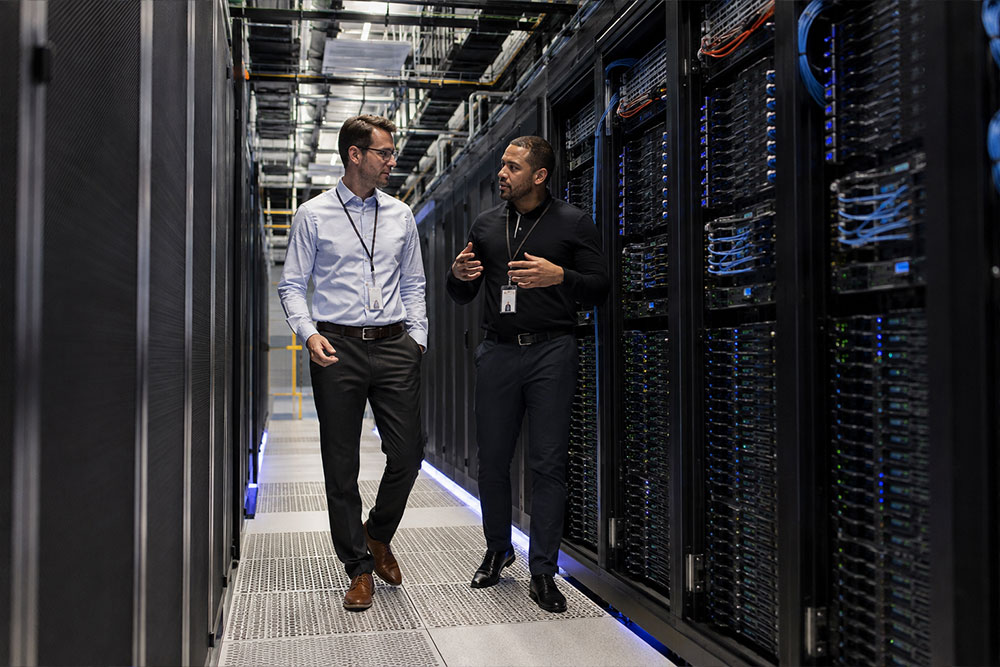
A good dedicated server vs bare metal decision comes back to a practical question. How much control does the workload need, and how much infrastructure responsibility should your team take on?
A dedicated server is often the better fit when the goal is speed and predictability. It lets you deploy quickly, keep costs predictable, and work from a supported configuration. It gives you dedicated physical resources without requiring your team to make every hardware-level decision from the beginning. Bare metal is the stronger choice when the application needs deeper access to the hardware layer. That could mean custom storage configuration, specific OS tuning, low-latency networking, or a particular virtualization setup.
At Volico, both paths are available within a broader data center environment. So the decision isn’t just about choosing a server. It is also about choosing the right level of support, connectivity, security, and operational control around that server.
What’s Included With Either Option
Relevant highlights include:
- Dedicated server options with customizable bandwidth, control panel choices, and backup plans. Plus firewall protection, 24/7 technical support, and a [confirm network uptime SLA figure].
- Bare metal dedicated servers built around single-tenant access, customization, and root access. Plus DDoS protection, redundant networking, IPv4/IPv6 support, and provider-handled hardware repair.
- Miami data center connectivity with access to carrier hubs, fiber loops, and international cable landings. Plus multiple power grids and direct connectivity to cloud services, network providers, and content delivery networks.
- Managed services and security support covering backups, compliance, managed security, disaster recovery, network access, storage, managed firewall, and DDoS mitigation.
In the end, dedicated server vs bare metal is not a contest between two isolated product names. It is a question of fit. Choose dedicated when the workload benefits from a stable, supported server environment. Choose bare metal when the value comes from hardware-level control. And when the requirements are not obvious yet, start with the workload profile, then match the server to it.
Contact our team today for details.