Making trips to your equipment at a data center can cost a lot of time. Often it is not strictly necessary; there are a variety of methods to control your servers without being physically present. Here we go over everything you need to take control of your infrastructure, anywhere and anytime.
Software-Level Ways to Remote Control Servers
Telnet
Telnet has been around since 1969, and it’s an established, fairly universal way to connect to your servers and other devices. But it’s unencrypted, meaning the network broadcasts all of your activity in the clear. Attackers could use this to gain unauthorized access to your machines.
SSH
SSH is the answer to Telnet’s insecure design. SSH thoroughly encrypts all traffic, allowing for secure control of remote equipment.
VNC
VNC is a good choice for remotely controlling a server’s mouse and keyboard. Virtually every modern operating system supports it, since it’s a pretty open standard. Smartphones support it well too, so you can remote into servers on the go.
RDP
Microsoft built RDP for Windows Servers, think of it as VNC with added features and controls. If your infrastructure is Windows-based, this will be your tool of choice.
ARD
ARD is Apple’s remote desktop software. If you are colocating Mac servers this is an excellent route to go. Seamless drag and drop functionality and many controls for Mac servers.
The above methods are great in operating conditions. But in the event of an unstable server, or for instance, if BIOS control is necessary, you will need a highly available method at the hardware level. For instance:
Hardware-Level Remote Control for Servers
KVM over IP
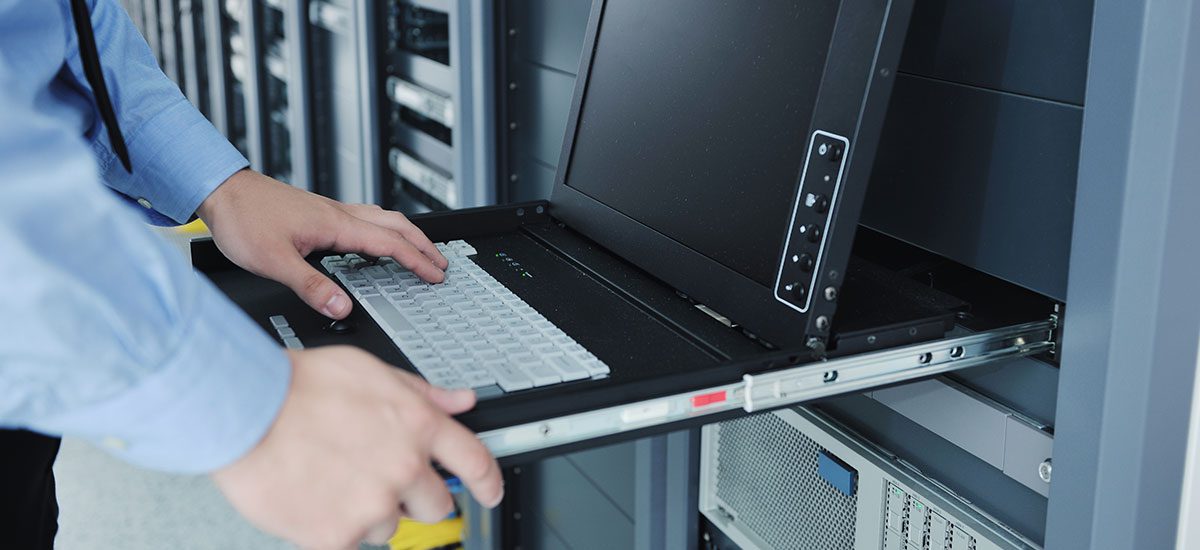
KVM stands for Keyboard, Video, Mouse. It is a hardware appliance that connects to the ports of your server, allowing you to assume physical access to your equipment. This is a one-size-fits-all approach to remote control of a server.
IPMI
IPMI allows for remote control and system monitoring at the hardware level of your dedicated server. It is the holy grail of system management. IPMI lets you monitor the temperature and voltages of your CPUs and memory, even fan speed. You can adjust system settings as necessary, including rebooting, shutting down, and powering on your server. KVM access also lets you mount virtual media, and detect whether someone has opened your server’s case.
Volico recommends IPMI to all Volico colocation customers. If Volico builds a system for you, it will have IPMI. We make sure to use Supermicro chipsets whenever possible, but HP and Dell offer their own IPMI implementation as well.