How to
...
reboot your
...
server with a remote rebooter:
You can remotely reboot your server via the Device Manager in your Customer Portal .
anytime.
If you do not currently have a remote rebooter assigned to your account, please contact your account representative and we will be happy to help you.
Please use follow the instructions steps below to further assist:
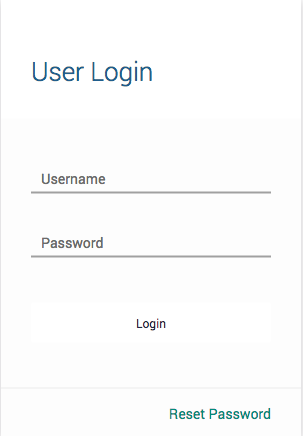
- Log in to the customer web portal
- In the left sidebar, click 'Device Manager'
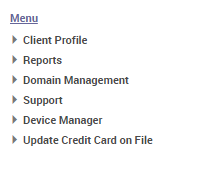
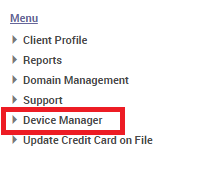
- Click on 'View Devices'
- Click on the label of the device that needs to be rebooted located under the 'Device Description' column.

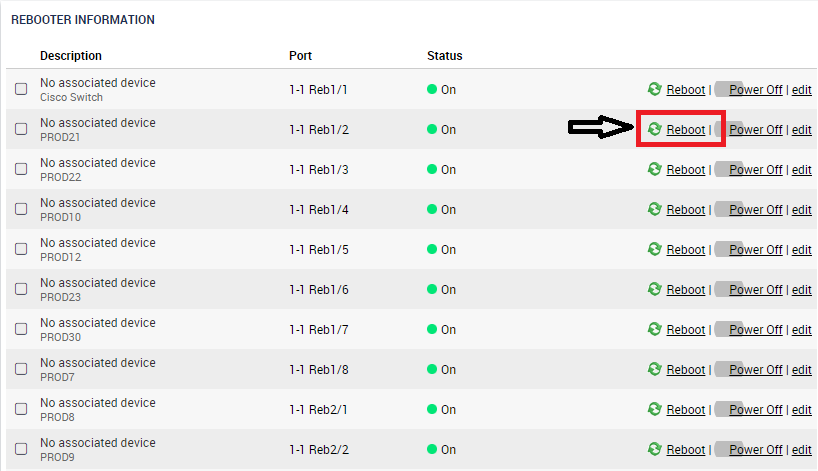
- Navigate to the bottom right of the page and you will find 'Rebooter Information'
- Simply click 'Reboot' to cycle the port off and then back on.
...
Following these steps should allow you to reboot your device in the same retrospect as if you were to reboot power cycle the machine physically by unplugging the cable and plugging it back in.
If an issue arises and your machine doesn't post within a reasonable amount of time and or you are unable to access your machine, contact our Technical Support Team.