How to
...
reboot your server with a remote rebooter
...
:
You can remotely reboot your server via the Device Manager in your Customer Portal.
If you do not currently have a remote rebooter assigned to your account, please contact your account representative and we will be happy to help you.
Please use follow the instructions steps below to further assist:
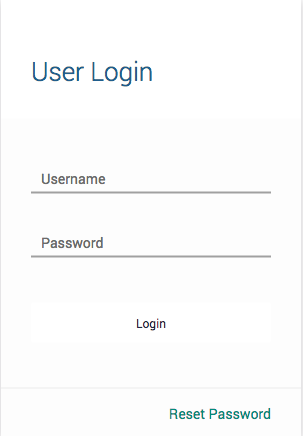
- Log in to the customer web portal
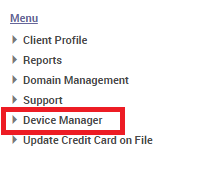
- In the left sidebar, click 'Device Manager'
- Click on 'View Devices'
- Click on the label of the device that needs to be rebooted located under the 'Device Description' column.

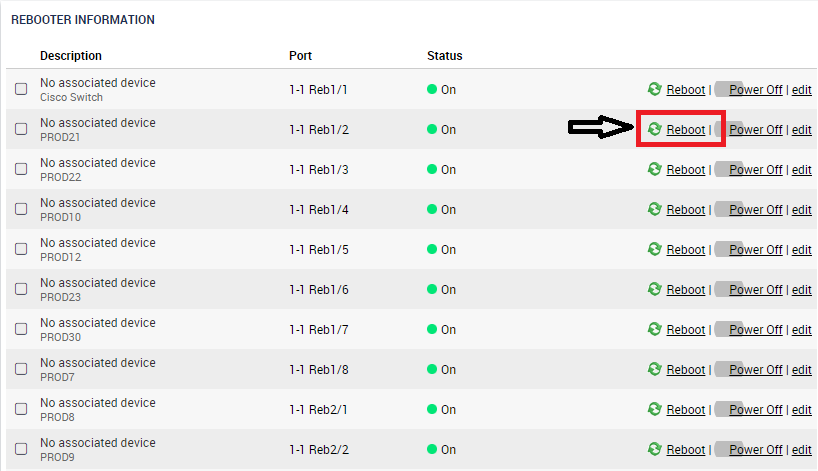
- Navigate to the bottom right of the page and you will find 'Rebooter Information'
- Simply click 'Reboot' to cycle the port off and then back on.
...