...
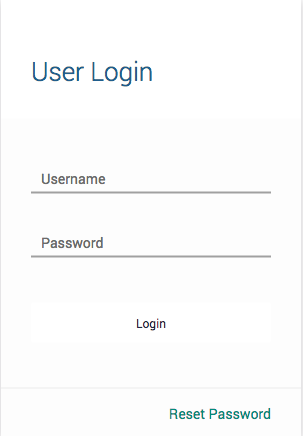
- Log in to the customer web portal
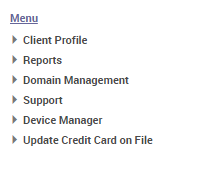
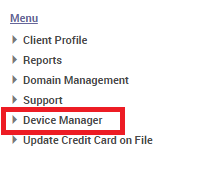
- In the left sidebar, click 'Device Manager'
- Click on 'View Devices'
- Click on the label of the device that needs to be rebooted located under the 'Device Description' column.

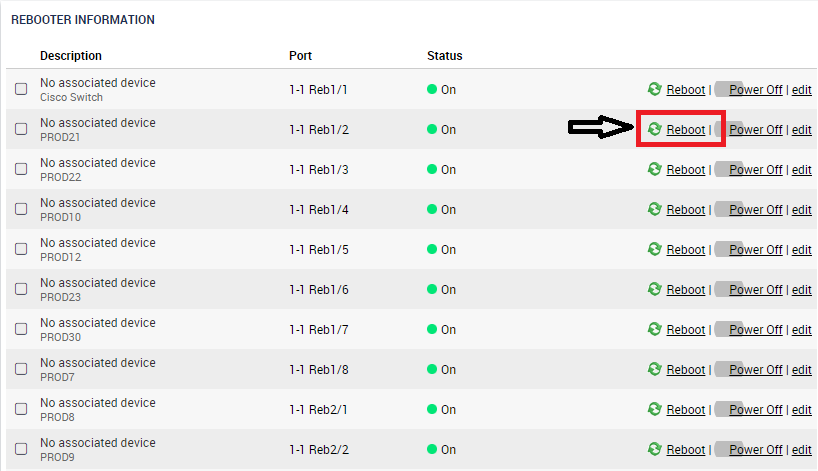
- Navigate to the bottom right of the page and you will find 'Rebooter Information'
- Simply click 'Reboot' to cycle the port off and then back on.
...