When you click the Change Password link, a pop-up window will appear to allow you to change the password to the portal.
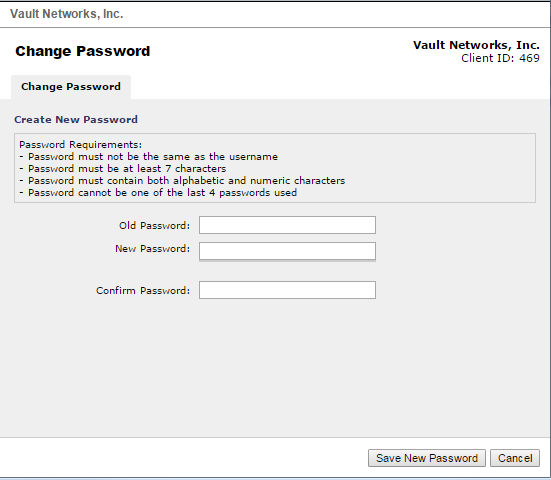
Note the
| Status | ||||
|---|---|---|---|---|
|
The password requirements when creating a password. If you still can't change your password after following the instructions of this pop-up window, please contact Customer service at (305) 735-8098 option 3 or by emailing [email protected]